
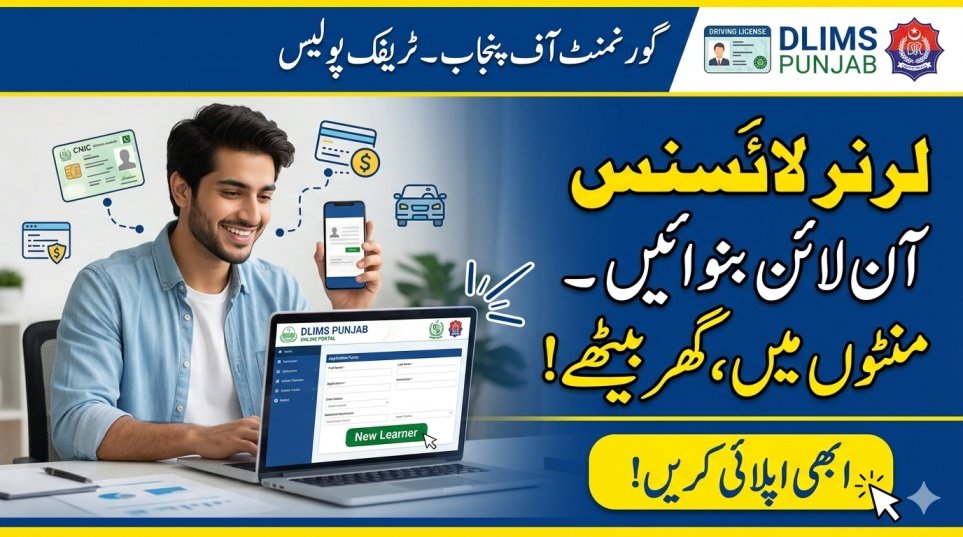
Getting a learner driving license online in Pakistan is now fast and simple. Previously, people had to wait in long queues at traffic police offices. Now, the Government of Punjab and other provinces have introduced the DLIMS portal, allowing citizens to apply for a driving permit from home using a mobile phone or computer. This online system saves time, is transparent, and is convenient for students, workers, and busy people.
| Feature | Description |
|---|---|
| Minimum Age | 18 years for Car/Motorcycle |
| Required ID | Original and valid CNIC |
| Official Portal | DLIMS Punjab Website |
| Application Fee | PKR 60 per category |
| Payment Method | Online via PSID (Banking Apps) |
| Validity Period | 180 days (6 months) |
| Wait Period | 42 days before permanent test |
| Document Format | Scanned JPG or PNG images |
How to Create an Account on DLIMS Portal
To apply for a learner driving license, you must first create an account on the DLIMS portal. This account allows you to track your application, pay fees online, and download your license.
- Visit the official DLIMS Punjab website.
- Click “Register” to create a new account.
- Enter your full name exactly as it appears on your CNIC.
- Provide a valid email address for verification.
- Enter your active mobile number.
- Select your gender and carefully enter your CNIC number.
- Set a strong password for future logins.
- Click “Register” to complete account setup.
Required Documents for Learner License
Prepare all necessary documents in digital format before applying. Clear and correctly sized images are essential for approval.
- Original CNIC: Must be valid.
- Front and Back CNIC Photos: Clear images required.
- Passport-Size Photo: Blue or white background.
- File Size: Each image under 500 KB.
- File Format: JPG, JPEG, or PNG.
- CNIC must not be expired.
Step-by-Step Guide for Learner Driving Permit
After creating your account, submit the learner driving license application online.
- Log in and select “New Learner”.
- Enter father’s or husband’s name as per CNIC.
- Select your province and current district.
- Enter permanent and current addresses.
- Choose vehicle category: Motorcycle, Motor Car, or LTV.
- Provide blood group and mention any physical disability.
- Upload CNIC photos and passport-size photo.
- Accept Terms and Conditions and click Submit.
How to Pay Learner License Fee via PSID
A 17-digit PSID number is generated after submission. Payment is required for processing.
- Copy the 17-digit PSID number.
- Open a mobile banking app like JazzCash, Easypaisa, or bank app.
- Go to Bill Payments or Government Payments.
- Select GoPb (Government of Punjab) and paste PSID.
- Confirm PKR 60 fee and save receipt.
- Refresh DLIMS page to see status change to Paid.
- Download Learner Permit as PDF.
Rules to Follow After Getting a Learner Permit
Learner license holders must follow traffic laws to stay safe and legal.
- Always drive with a licensed driver beside you.
- Display a red “L” on front and back of the vehicle.
- Avoid motorways or high-speed roads.
- Keep printed or digital copy of permit.
- Valid for 180 days; renew if needed.
- Permanent driving test allowed only after 42 days.
Conclusion
The DLIMS online system makes getting a learner driving license in Pakistan easy, fast, and transparent. Users can register, upload documents, pay fees, and download permits without visiting traffic offices. By following this guide and adhering to rules, anyone can get a learner license efficiently and practice safely before the permanent
FAQS
1. Can I apply for a learner license from a city different than my CNIC address?
Yes, you can apply online from any city, but your address should match CNIC.
2. What should I do if my PSID payment status does not update?
Wait 24 hours. If still Pending, contact DLIMS helpline with your PSID receipt.
3. Is a medical test required for a learner permit?
No, only blood group and self-declaration of health are needed.
4. Can I drive alone with a learner license?
No, driving alone is illegal. A licensed driver must accompany you, and the “L” sign must be displayed.